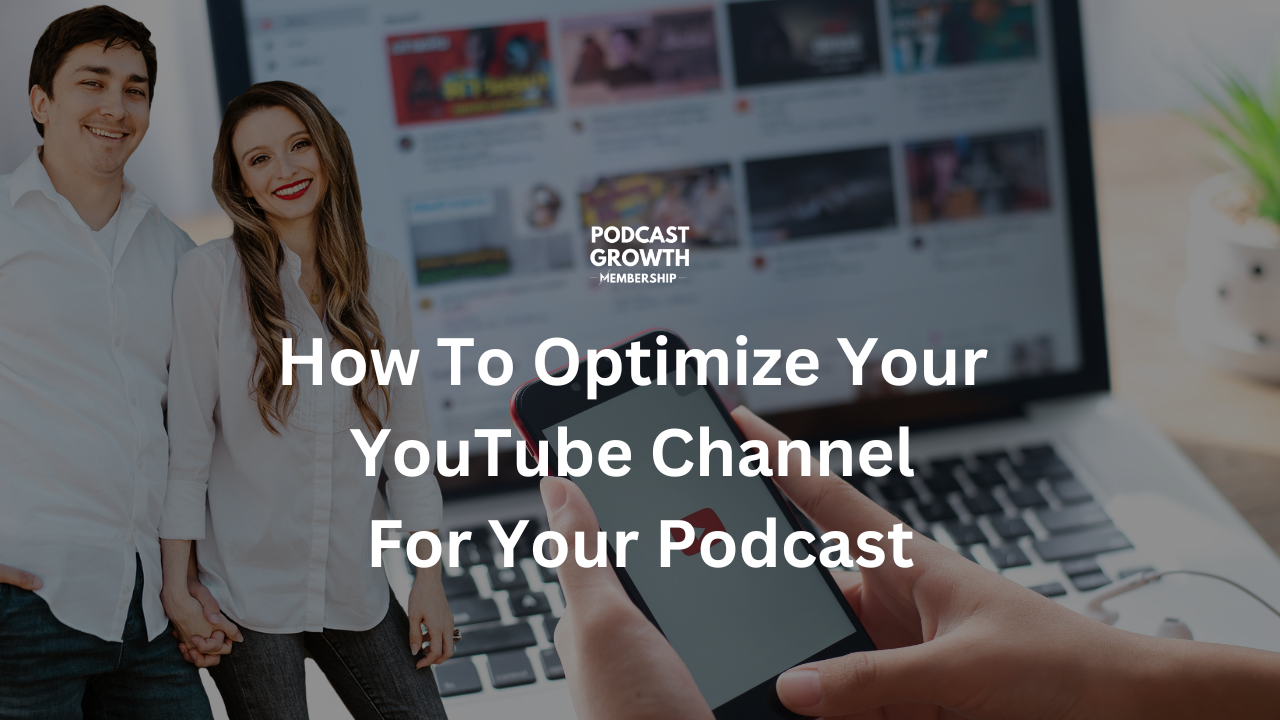
How To Optimize a YouTube Channel for Your Podcast
You do this through YouTube Studio once you have your channel set up
-
Set The Channel Description as Your Podcast Description
- Use your channel description to provide a brief summary of your podcast and its focus. Include relevant keywords in your description to improve your channel’s discoverability.
- Include links to your podcast website, social media channels, and other online platforms in your channel description. This can help drive traffic to your other online channels.
-
Create A Playlist Where All Episodes Will Go And SET IT AS A PODCAST
-
Optimize Your Channel Settings
- Add Channel Keywords
- Set Advance Settings
- Add Upload Defaults That will Appear On All Future Video Descriptions
- Add Your “About The Host” podcast bio
- Add a link to your free downloads or opt-in that allows you to collect emails
- Add ways to connect links to social media
- Add tags that can be used for each video
- Add Community Filters – if you have any
-
Channel Customization
- Add your podcast trailer as the channel trailer
- Add a featured video for people who come back – maybe your most popular episode or an ad
- Add featured sections (over time)
-
Use Consistent and Branded Video Thumbnails
-
Optimize YouTube Video Titles
- Optimizing your YouTube video titles is critical to ensure that your videos get discovered by your target audience. Here are some tips to optimize your YouTube video titles:
- Use descriptive and compelling titles: Your title should be descriptive and accurately reflect the content of your video. It should also be compelling enough to make viewers want to click on it.
- Use keywords: Use relevant keywords in your title that describe the topic of your video. This will help your video show up in search results when people search for those keywords.
- Keep it short: Your title should be concise and to the point. A good rule of thumb is to keep your title under 60 characters.
- Use numbers and symbols: Using numbers and symbols in your title can help make it stand out and grab viewers’ attention.
- Add branding: Consider adding your branding to your title, such as your channel name or logo. This can help build brand recognition and increase the chances of viewers clicking on your video.
- A/B test your titles: Try testing different titles for your videos to see which ones perform best. You can use YouTube analytics to track the performance of each title.
- Avoid clickbait: While it’s important to have a compelling title, avoid clickbait titles that misrepresent the content of your video. This can lead to negative feedback and hurt your credibility.
By following these tips, you can optimize your YouTube video titles and increase the chances of your videos being discovered and watched by your target audience.
- Optimizing your YouTube video titles is critical to ensure that your videos get discovered by your target audience. Here are some tips to optimize your YouTube video titles:
-
Optimize Your YouTube Descriptions
- Optimizing your YouTube descriptions is essential to ensure that your videos are discoverable and reach a wider audience. Here are some tips to optimize your YouTube descriptions:
- Keep it concise: Your description should be concise and to the point. A good rule of thumb is to keep your description under 200 words.
- Use keywords: Use relevant keywords that describe your video content. This will help your video show up in search results when people search for those keywords.
- Include links: Include links to your website or social media channels in your description. This can help drive traffic to your other online platforms.
- Use timestamps: Use timestamps to indicate key points in your video. This can help viewers quickly navigate to the parts of the video that interest them.
- Add a call-to-action: Include a call-to-action in your description, such as subscribing to your channel, leaving a comment, or sharing the video with others.
- Use hashtags: Use relevant hashtags in your description. This can help your video show up in search results for those hashtags.
- Use a consistent format: Use a consistent format for your descriptions, such as including a brief summary, links, and timestamps in every video.
By following these tips, you can optimize your YouTube descriptions and improve the discoverability of your videos.
- Optimizing your YouTube descriptions is essential to ensure that your videos are discoverable and reach a wider audience. Here are some tips to optimize your YouTube descriptions:
YouTube is doing new things with podcasts in 2023!
If we manage your podcast across platforms, we’ve set your pod playlist on your channel as a podcast, so you’re indexed correctly. You’re ahead of the game!
What to expect from YouTube:
- Further development of its podcast-specific features and tools, such as improved analytics and promotion tools.
- Deeper integration with other Google-owned platforms, such as Google Podcasts and Google Search, to help podcast creators reach a wider audience.
- Partnerships with major podcast networks and creators to produce exclusive content for the platform and attract more listeners.
- Expansion into international markets, where podcasting is rapidly growing in popularity through localization and translation of content.
How podcasters can prepare:
- Set your existing podcast playlist as a podcast
- Level up your video quality for YouTube
- Level up your channel with better thumbnails, SEO titles, and better descriptions
- Get your podcast on YouTube if it isn’t already
Best practices:
- Don’t make anything into a playlist and mark it as a podcast. Can you? Sure, but if the content doesn’t make sense as a podcast, it’s not going to make sense to an audience either
- If you’re adding a podcast as a playlist to an existing channel, the channel, and the new podcast MUST have the same ideal viewer for it to make sense
Struggling With Your Podcast Audio or Video Setup?
Book a one-hour technical call with a seasoned podcast producer, editor, and someone that has setup home, network, and travel studios.
In this one-on-one session, you’ll learn how to optimize your mic, camera, lighting, and recording workflow for professional results from home.
For professional studio services, please book a Discovery Call for a custom proposal.
$175.00Book Your Call